Veaper
Workflow
Steps
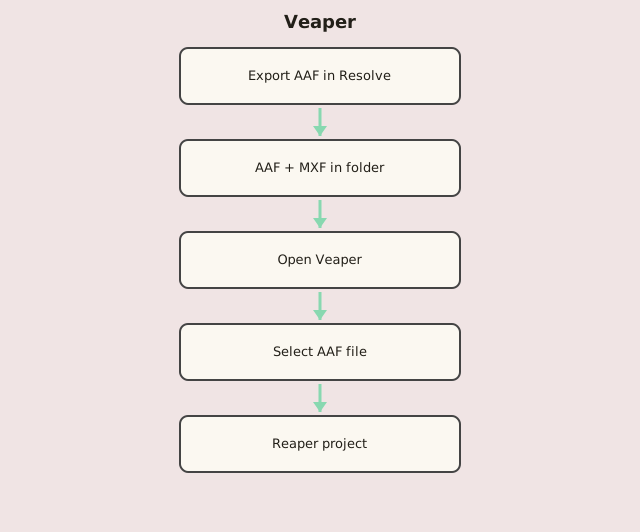
- In DaVinci Resolve Deliver tab: render AAF + audio (MXF) to one folder.
- Disable video export; export audio as Linear PCM.
- Launch Veaper and select the .aaf file.
- Veaper finds associated MXF files in the same folder.
- Open the generated Reaper project for post-production.