ESE Karaoke
Workflow
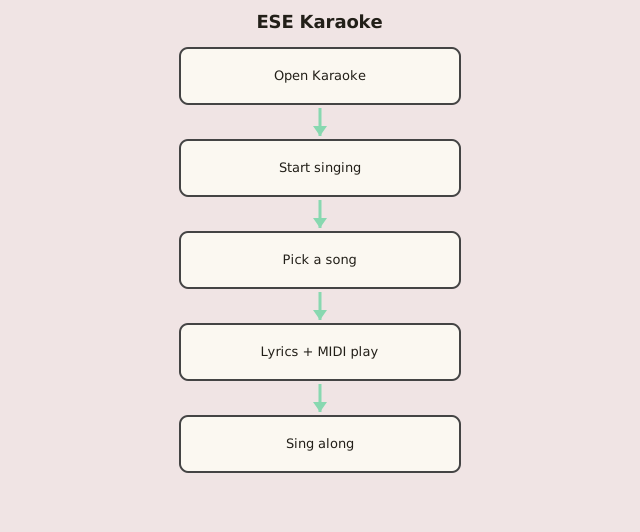
Steps
- Tap Start singing to unlock audio (required in browsers).
- Open Song List and pick a .kar track.
- Lyrics scroll in sync with the MIDI backing.
- Use Play, Pause, Stop, and the position slider as needed.
- Sing along — cheesy MIDI, out of tune, all fun.