Eco
Workflow
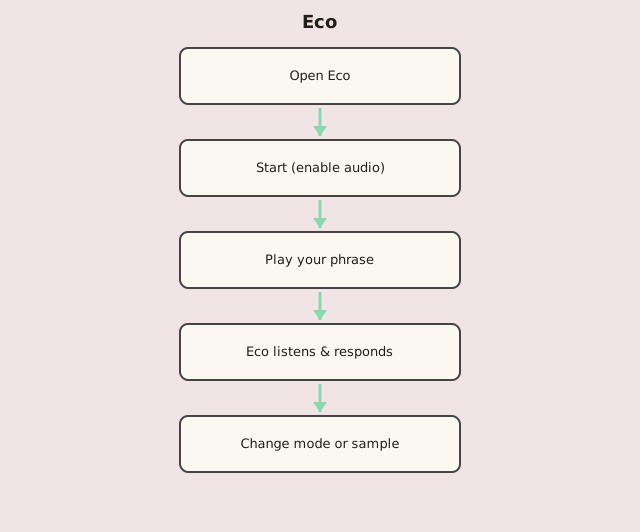
Steps
- Click Start to enable audio.
- Play a phrase on the canvas (click/drag or MIDI). Left = lower pitch, right = higher.
- Release — Eco waits ~2 seconds, then answers with the active mode.
- Change mode with arrows or keys 1–5 (Mozart, Partch, Nunes, Feldman, Schoenberg).
- Optional: upload a .wav/.mp3 sample (max 7 s) or toggle the pitch grid.